

Do you ever feel like keeping track of every dollar is just too much? Imagine having a screen that shows your spending, savings, and bills all at once, almost like checking the weather for your wallet.
A budgeting dashboard gives you that clear view. It organizes your money matters so you can easily see where you might trim a little extra spending and boost your savings.
In this post, I’m here to show you how this smart tool can take away the confusion and fill you with clear insights. It’s all about helping you feel confident and ready to take charge of your finances, one small step at a time.
Understanding Budgeting Dashboards: Definition and Benefits
A budgeting dashboard is a handy tool that shows all your money details in real time, from your overall budget to what you've spent and what you still owe. Think of it like your bank app giving you a quick glance at where every dollar is going.
This tool makes it easier to see your financial picture by combining important numbers, such as fixed costs and upcoming bills, all in one place. Picture checking a screen that gives you both a broad view and the little details, kind of like seeing today’s weather along with the week’s forecast. With views you can customize, spotting spending habits or areas needing attention becomes a lot simpler.
In real life, a budgeting dashboard is your go-to for a clear financial snapshot that helps you make smart decisions. It makes sure no important money info gets lost and helps you catch any issues quickly. This easy-to-use setup not only makes your money talk clear but also supports open conversations about your finances, empowering you to stay on track with your financial goals.
Core Features of an Effective Budgeting Dashboard

A budgeting dashboard is a smart, digital tool that keeps you updated on your money matters. It pulls together the latest details from your bank accounts, credit cards, and more, so you catch trends as they unfold. It shows what you planned to spend versus what you actually spent, making your money management clear and easy to follow. Picture glancing at your screen and instantly knowing if you’re on track with your savings or if spending is getting out of control.
These dashboards come loaded with helpful features to make tracking expenses a breeze. They automatically gather expense data from multiple sources, so you don’t have to log everything by hand. You can switch between a detailed view of every expense and a quicker glance at the bigger financial picture. And if your spending strays too far from your budget, a built-in alert will signal that it’s time to take a closer look.
| Feature | Description |
|---|---|
| Real-Time Data Sync | Connects to bank and credit card details as they update |
| Automated Expense Categorization | Automatically sorts expenses to simplify tracking |
| Budget vs Actual Analysis | Compares your planned budget to what you really spent |
| KPI Panels | Displays key numbers like savings rate and cash flow |
| Custom Filters | Allows you to select different dates and see details that matter |
| Alert Notifications | Notifies you when spending exceeds set targets |
Designing Your Custom Budgeting Dashboard Layout
Custom layouts make tracking your money simple and clear. You can set up your dashboard with parts for monthly reports, key takeaways, and even detailed tables to keep an eye on all your spending. It’s like having one view that gives you the big picture of your finances and another that shows the nitty-gritty details, such as your spending on housing, utilities, or fun money, all in one neat space.
A smartly built dashboard brings live numbers from all your accounts together automatically. This way, you always see fresh data without having to update anything by hand. Filter panels let you zoom in on what matters, say, checking just your utility costs on a certain day or reviewing your extra spending over several months. It’s about building a tool that grows with your needs and makes money management more hands-on and clear.
The beauty of your dashboard is that you can tweak it as life changes. Adjust sections, swap colors for quicker insights, or add new bits to catch shifting trends. An easy-to-read cost control system helps you spot and fix overspending fast. With a bit of thought in designing it, you’re setting yourself up to smoothly manage your budget day by day while keeping big financial goals in focus.
| Principle | Description |
|---|---|
| Simplicity | Keep the view clean and focus on key numbers so it’s easy to understand. |
| Clarity | Use clear visual hints and organized parts that show information quickly. |
| Flexibility | Make it easy to switch views and adjust sections as your needs change. |
Free Templates and Tools for Budgeting Dashboards

If you’re looking to track your money without spending a cent, there are lots of free options out there. You can use free budgeting dashboard templates in Google Sheets or Excel to keep an eye on your daily spending, income, and account balances. One popular option is the Tiller Foundation Template, which updates your cash flow automatically so you always know where your money is going. Other templates give you a monthly or yearly snapshot of your finances, making it super easy to manage everything in one view. Tools like the 50/30/20 Instant Budget Calculator help you quickly see your spending and savings limits, while the Viral Expense Tracker offers simple instructions paired with clear charts.
Excel users have great free choices too. For example, the monthly budget template for Excel is designed to be easy to use and can be customized to fit your needs. These templates cover many aspects of financial tracking and quickly adjust to different spending habits and financial goals. In just a few clicks, you can get a tool that shows up-to-date financial details and practical tips to help you take charge of your money.
Interactive Visualization Methods in Budgeting Dashboards
Interactive budgeting tools help you dive into your money details instead of just staring at numbers. Top dashboards show off colorful bar and pie charts that you can filter to instantly see where your money is going. Imagine clicking a chart that breaks down your expenses by category and uncovering the story behind every cost, it’s almost like solving a fun puzzle. With simple line graphs showing trends and smart features that highlight areas where you might be overspending, each chart brings your budget to life. Plus, drill-down options let you explore specific transactions, turning raw numbers into practical actions.
A built-in forecast tool adds even more magic by using past spending patterns to hint at future cash flow. Live updates mean your charts refresh as soon as new data comes in, keeping your financial picture always up to date. This engaging, hands-on approach makes managing your budget feel less like a chore and more like a friendly chat about your finances. It’s a clever way to see every dollar in motion while giving you the power to adjust your plans on the spot.
Integrating and Automating Your Budget Data
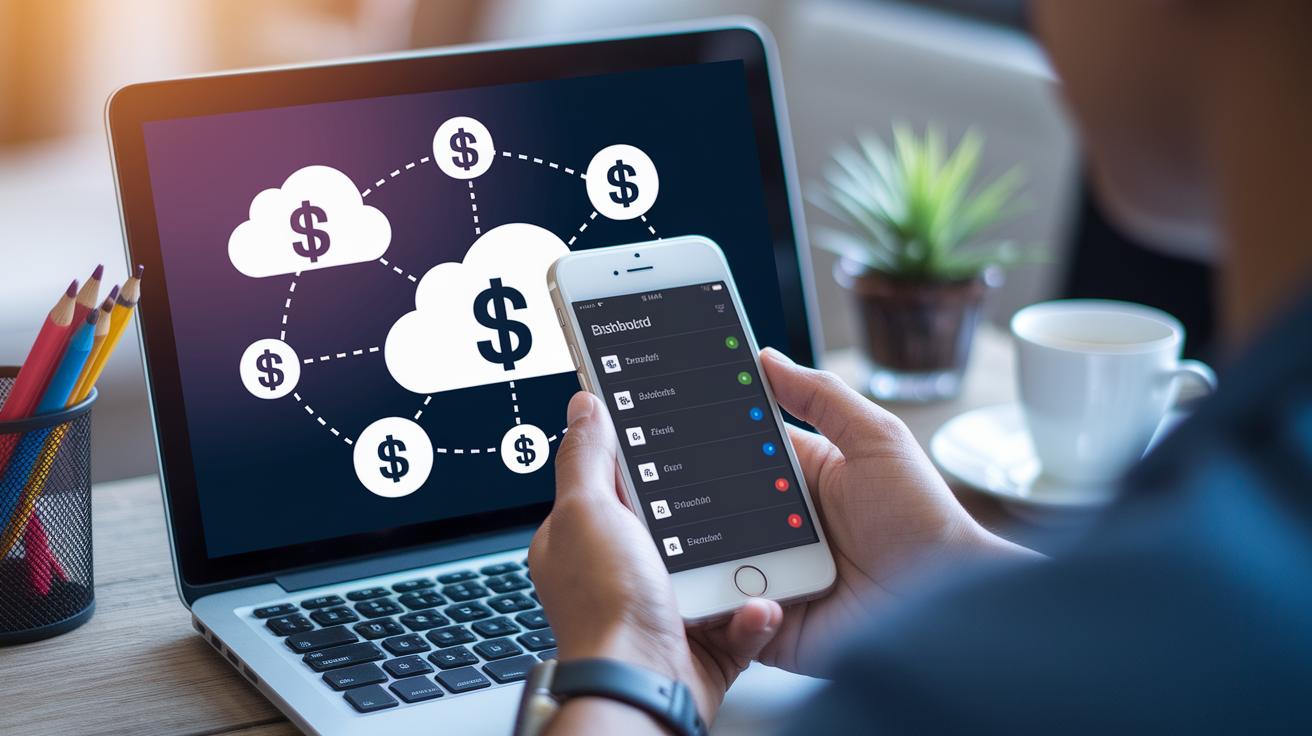
When you let automation work for you, it connects your dashboard straight to your bank and credit card accounts. This means you never have to enter your spending by hand because your transactions come in automatically using secure API tools.
You get a clear picture of your spending as everything is organized into one easy view. Simple features like auto-categorizing your expenses and live updates from cloud platforms work in the background, so your budget always shows the latest numbers. Tools like Excel’s Power Query or Google Sheets’ IMPORTRANGE work quietly to fetch fresh data, keeping your budget current and error-free.
This real-time updating makes it simple to see what you planned versus what really happened. It even helps you spot any unusual activity quickly. Imagine setting up a system that syncs your transactions continuously while saving you the hassle of manual entry.
By automating your budgeting, you free up time to focus on monitoring trends and making smart choices with your money. It’s like having a friendly financial assistant that keeps everything running smoothly, empowering you to take control of your financial future.
Best Practices for Budgeting Dashboard Maintenance
Keeping your budgeting dashboard in good shape is like tending a garden, you need to care for it often to see it thrive. Updating your numbers and taking snapshots of past reports help you notice trends and catch any small issues early. Setting up alerts to flag unusual spending means you can act fast if something seems off. A regular monthly review lets you adjust categories and fine-tune filters as your spending changes.
Sharing your dashboard with a trusted friend or team turns the process into a group effort. When everyone sees updated data, it keeps you all motivated and on the same page with your financial goals. And don’t forget to back up your data regularly, it’s a simple step that ensures your hard work stays safe.
Final Words
In the action, this piece showed how a budgeting dashboard brings clarity to your finances. We explored its real-time updates, easy-to-read visuals, and custom views that help you track spending. The guide walked through designing your personal tool, using free templates, automating data, and maintaining accuracy over time. Each part is meant to make managing money feel accessible and empowering. With these insights, a budgeting dashboard can become your trusted tool to boost your financial confidence and independence. Keep pushing forward and enjoy every step toward a secure future.
FAQ
What is a budgeting dashboard template?
A budgeting dashboard template is a ready-to-use tool that displays your income, expenses, and savings in a clear, visual format. It helps make financial tracking simple and accessible.
How does a budgeting dashboard in Excel work?
A budgeting dashboard in Excel updates charts and tables as you enter data, allowing you to quickly see spending trends and manage your finances with clarity and ease.
Where can I find free budgeting dashboard templates?
Free budgeting dashboard templates are available online, offered as Excel or Google Sheets files. They make it easy to set up a financial control panel without any extra cost.
What features can I expect from a simple budget template in Excel?
A simple budget template in Excel offers straightforward fields for income and expenses, visual graphs for trend analysis, and an easy layout that helps you keep your finances organized.
How do I download a monthly budget template in Excel for free?
Downloading a monthly budget template in Excel is easy. Many trusted websites provide free files that let you track your income and spending each month, supporting your financial goals.