
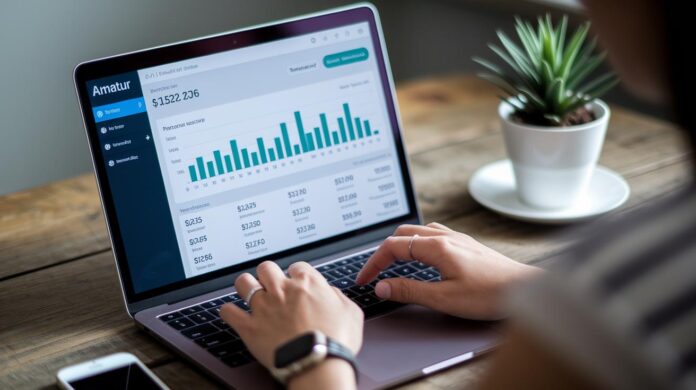
Ever feel like your money is slipping away? A personal finance dashboard puts everything you need in one simple view. You can see your spending, savings, and bills all at once.
Imagine opening your dashboard and knowing exactly where every dollar is going. It takes out the confusion and guesswork. This handy tool can really change the way you handle your money.
In this post, we’ll show you how using this tool can make smart spending a lot easier and help you feel more confident about your money.
How a Personal Finance Dashboard Simplifies Money Management
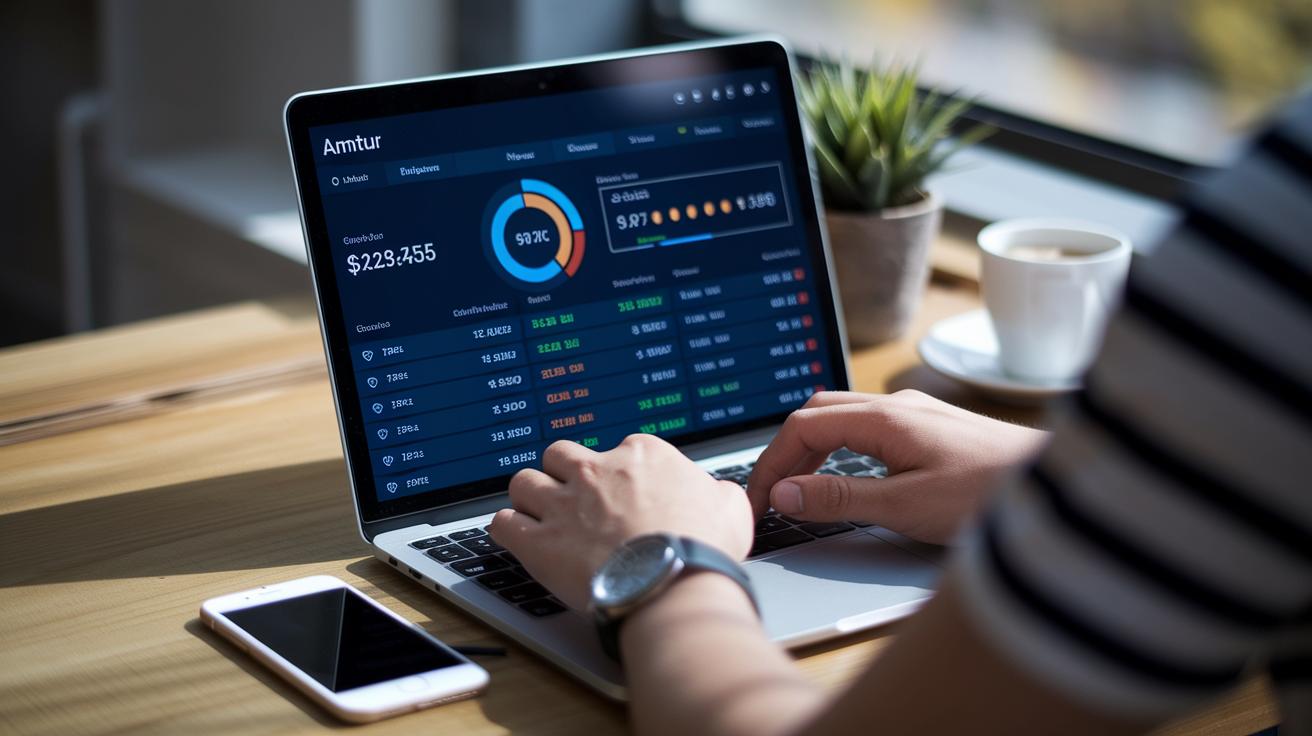
A personal finance dashboard puts all your money details on one simple screen. It shows your account balances, spending, and income, giving you a clear look at your financial picture. Imagine opening an app and instantly knowing if your savings are on track or if a purchase pushed your budget off course. It’s like having a friendly money planner that breaks down everything without the hassle of digging through complicated statements.
This tool works like a team of helpers keeping your finances neat and easy to understand. It includes an income and expense tracker so you can record every dollar you earn and spend. You get monthly and yearly budget planners that help you give each dollar a clear job. Plus, there are progress logs for savings, investments, and paying off debt so you can see your progress toward your financial goals. It makes handling your money feel simple and stress-free.
- A clear view of all your account balances
- Easy tracking of income and expenses
- A monthly planner that shows exactly where every dollar goes
- A yearly plan to set long-term financial goals
- Logs to track your savings, investments, and debt payoff progress
- Templates for monthly goal setting and reviews to keep you on track
Building Your Personal Finance Dashboard: A Step-by-Step Guide
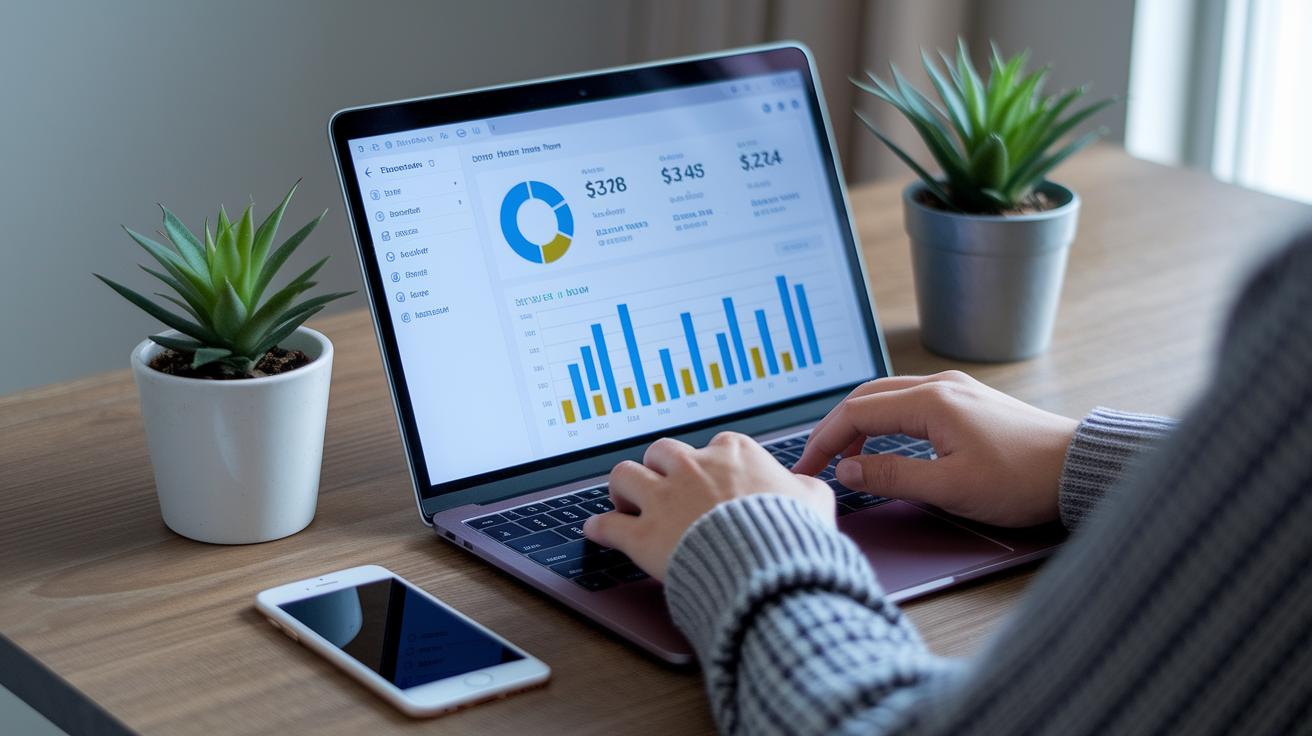
Building your personal finance dashboard can feel simple and doable. Think of it as creating a clear picture of your money that matches your needs and goals. You get to set up a tool that helps you track what you spend and what you save. It even shows you how to use a handy budgeting app while keeping an eye on your cash flow and big dreams.
- First, think about your money goals. Do you want to save up for something special or work on paying off debt? Knowing what you want helps you set the right focus.
- Pick a dashboard tool that’s easy to use and looks simple. The easier it is, the more you’ll enjoy using it.
- Set up categories that work for you. Whether it’s groceries, fun outings, or saving for a rainy day, make sure the labels fit your lifestyle.
- Bring in your past spending. Adding in old transactions lets you see your spending habits and gives you a clear starting point.
- Create helpful charts and alerts. Visuals can show your progress, and reminders can nudge you when it’s time to pay a bill or hit a target.
- Set a regular time to check in on your dashboard. A quick review here and there keeps you connected with your money and on track.
Many of these tools come with helpful guides to walk you through each step. Plus, they update for life, so your dashboard can grow with you as you change and learn more about your financial habits.
Customizing Your Personal Finance Dashboard with Excel, Google Sheets & Power BI

Using spreadsheets and business intelligence connectors can make tracking your money feel much simpler. Imagine having a clear picture of your whole financial world, every dollar has its own job thanks to built-in monthly and yearly zero-based budget planners. Excel can handle tough calculations with VBA macros, while Google Sheets lets you update your budget from anywhere with cloud sharing and real-time changes. And if you need interactive charts that break down your spending patterns, Power BI has you covered. This blend of tools makes it easy to sift through your income and expenses with pivot tables and pre-set charts, so you can watch your net worth, spending, and savings grow steadily.
| Tool | Strengths | Best Use Case |
|---|---|---|
| Excel | Advanced formulas, VBA macros | Detailed custom reports |
| Google Sheets | Cloud-based sharing, real-time collaboration | Lightweight planning |
| Power BI | Interactive dashboards, data modeling | Enterprise-style BI |
Start by picking one of the ready-to-use templates for budgeting and tracking your spending. Play with the formulas to let the numbers work for you and tweak your pivot tables for just the insights you need. Then, use BI integrations to pull in data from different sources. This way, your charts always show the latest information. It’s a straightforward method that not only makes tracking each part of your finances a breeze but also gives you the power to adjust your strategies as your money matters change over time.
Integrating Financial Software into Your Personal Finance Dashboard
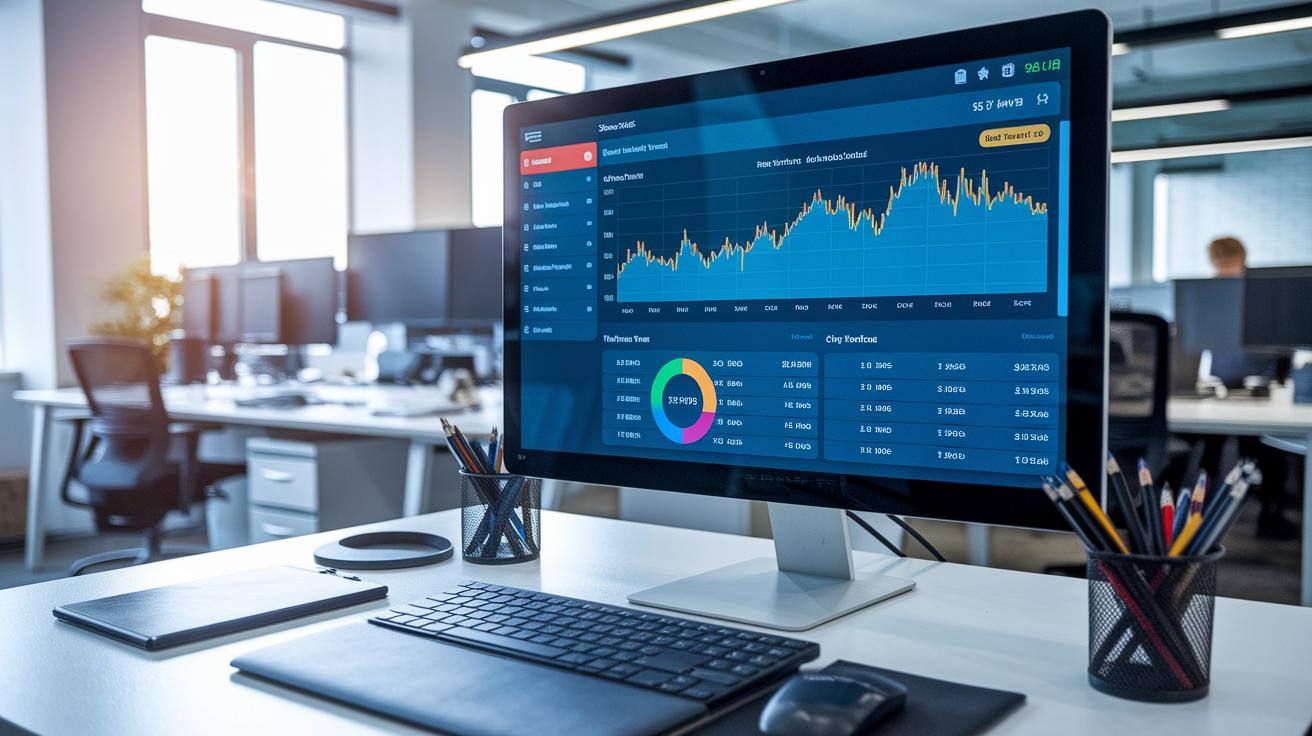
Imagine your dashboard that updates on its own, almost like magic. Automated data flows take away tedious manual entries and help cut down on mistakes. You see each transaction as it happens, almost like watching a live clock update your checking account the moment you swipe your card. This smooth connection keeps you focused on reaching your spending goals instead of wrestling with endless record keeping.
There are a few ways you can set this up:
- CSV or Excel imports for bringing in past data
- Direct API or bank-feed connections to keep updates coming
- Third-party tools like Zapier acting as a bridge
- Native plugins that link your apps with your spreadsheets
- Mobile app syncing so you’re always in the loop
Using these methods, your dashboard can pull information from popular finance apps like YNAB, Simplifi, Monarch, or Rocket Money. With features like automatic categorization and mobile syncing, your spending insights are always fresh. You might start by importing old data through CSV files, then add bank-feed connections for ongoing updates. Native plug-ins or middleware can boost these features even more, ensuring you have the latest info wherever you are.
And don’t forget safety. Keep your financial data secure by using unique logins and a password manager. It’s a good idea to update your security settings and review your connected accounts regularly. Taking these steps lets you maintain a financial tracking system that’s both safe and accurate.
Visualizing Trends in Your Personal Finance Dashboard with Charts and Reports
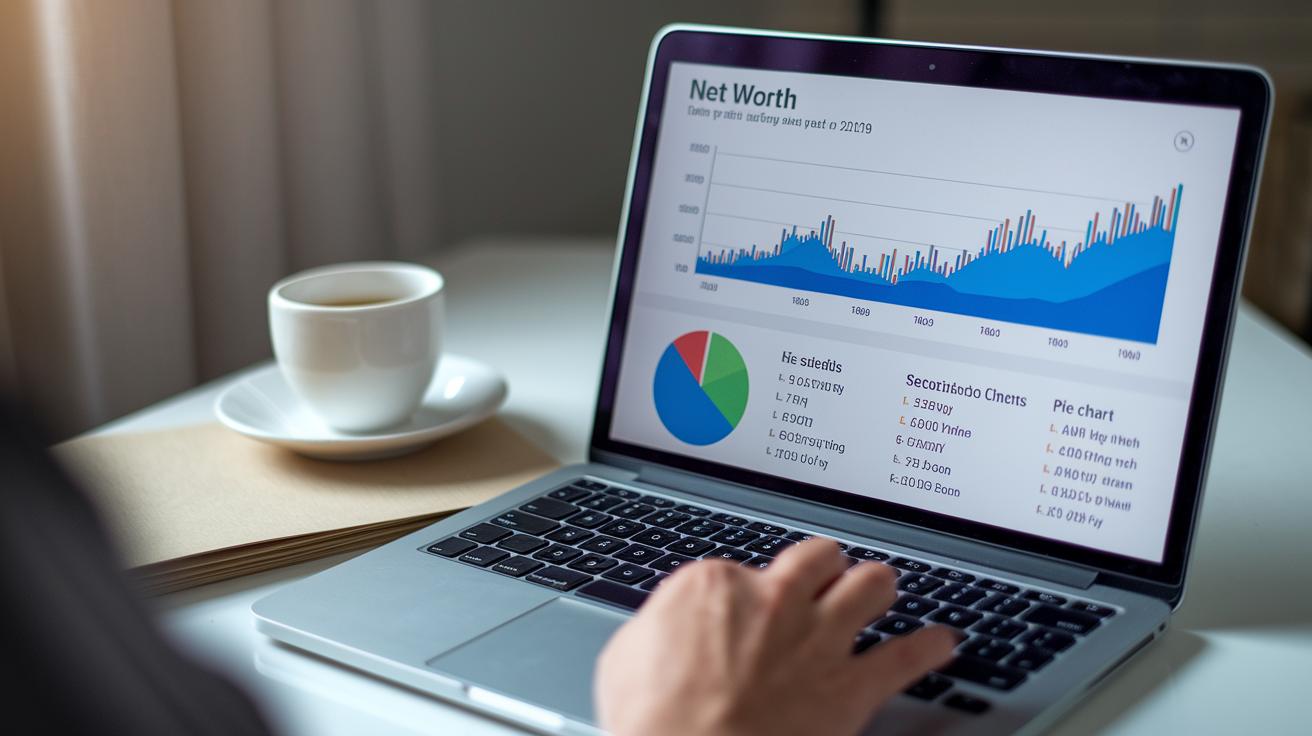
When you see your money details turned into graphs and charts, it makes everything click. It’s like glancing at your fitness app’s heart rate chart, suddenly, you understand your spending, saving, and investing habits at a single look. Imagine a line chart that shows your net worth over time, letting you see your financial growth as if it were a story just about your daily choices.
Each type of chart in your dashboard tells its own part of the story. A line chart might show how your net worth has changed, serving as a simple way to check your money performance. Bar and pie charts, on the other hand, break down where you spend your money and compare your income to your spending. Think of a pie chart in your spending summary showing you exactly where your money goes every month, helping you decide if any budget tweaks are needed. And a cash flow visualizer? It can quickly show you your busiest spending days and your quieter ones too.
To make the most of your dashboard, try adding interactive filters. These let you sort your data by account, category, or time period, almost like adjusting a camera’s zoom to focus on what matters most. Plus, when you schedule report exports and capture dashboard snapshots, staying on top of your financial progress becomes second nature. With these cool tools, your budgeting setup can be a trusted guide that helps you track cash flow and make confident money moves every day.
Maintaining and Reviewing Your Personal Finance Dashboard for Long-Term Success

Keeping your finance dashboard updated every week and month is a great way to stay in control. When you update it regularly, you can easily see how much you spend and save and catch small changes before they grow. Many women find that these routine checks help them stick to their budget and keep track of every transaction.
It’s also important to set aside time at the end of the year for a financial review. Think of this review as a health check for your money. It helps you spot long-term trends and adjust your strategies if needed. Each year, taking a look at your overall progress makes it simple to plan for any changes and set new priorities.
Every so often, try adjusting your dashboard categories and fine-tuning your spending limits. Look back at your past data and give yourself a little cheer when you reach a goal, like hitting a savings target. Keeping old reports can remind you of your progress over time. Updating your financial goals and spending targets to match your current needs makes your dashboard a powerful tool for smart spending and long-term control.
Final Words
In the action, this article walked through the benefits of having one place to see all your money details. We broke down setup steps, explored software add-ons, and explained how charts bring clarity to your spending and saving efforts.
It ends on a hopeful note that staying updated, reviewing progress, and tweaking your plan can put you in control. Keep building your financial confidence with a personal finance dashboard that works for you every day.
FAQ
What is a personal finance dashboard?
The personal finance dashboard is a single screen that gathers key money details like income, spending, savings, and debt, giving you a clear snapshot of your financial health.
How do you build a personal finance dashboard?
Building a personal finance dashboard involves setting clear money goals, choosing tools like Excel or Google Sheets, categorizing spending and saving, and updating your data regularly with a step-by-step guide.
Which platforms can be used for personal finance dashboards?
Options include Excel, Google Sheets, and Power BI, plus free templates and apps available on platforms like GitHub and Reddit that offer customizable solutions for managing your money.
How can a personal finance dashboard help keep track of personal finances?
A personal finance dashboard streamlines tracking by displaying spending, budgets, and net worth in one view, making it easier to manage your daily money matters efficiently.
What are the five main areas of personal finance?
The five main areas usually include budgeting, saving, investing, managing credit, and handling debt, each forming a crucial part of maintaining overall financial health.